
Bible verse widget
Today’s verse on your home screen
One verse from today’s Gospel, waiting on your home screen — and on the iPhone lock screen — so the day’s Scripture is there every time you pick up your phone.
Haven PremiumWhat it looks like
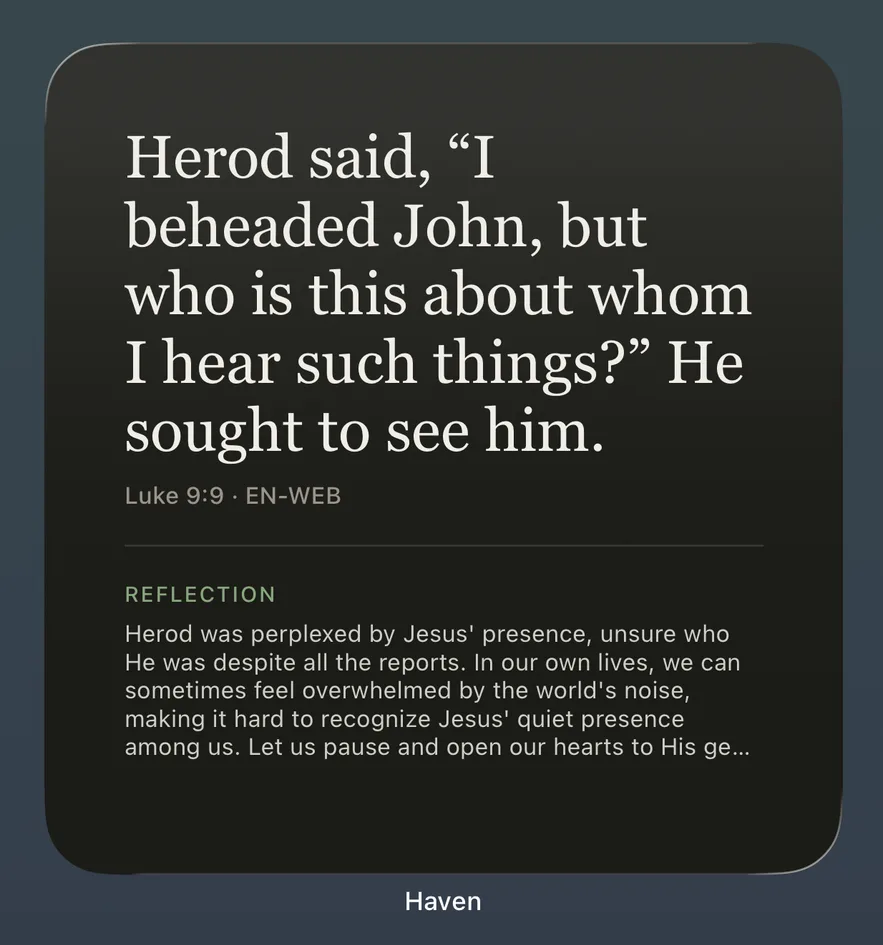
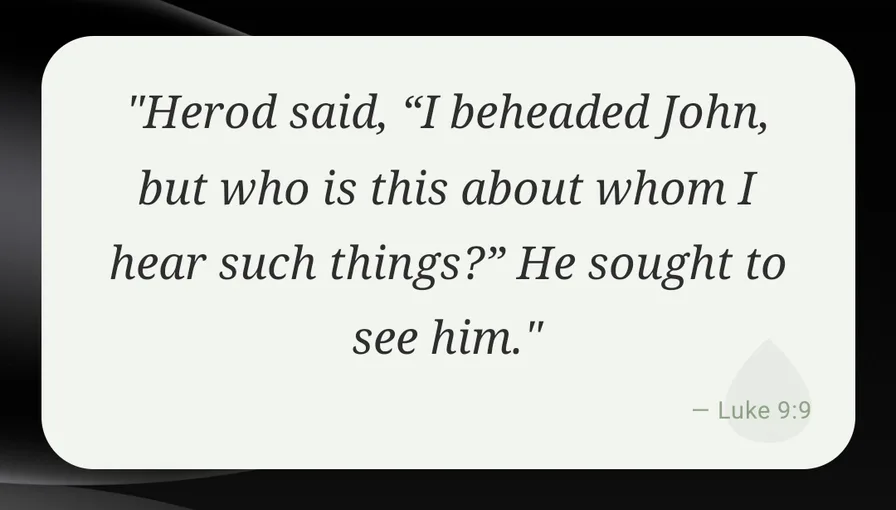
The widget shows the verse in your app language and translation.
What the widget shows
- Haven’s verse of the day: one verse taken from the Gospel of the day, with its reference.
- On the large iPhone widget, the first lines of the day’s written reflection as well.
- It changes every day, and tapping it opens today’s verse in the app.
Sizes
- iPhone home screen: small, medium and large.
- iPhone lock screen: a rectangular widget under the clock, a round one, and a single line above the time.
- Android home screen: one widget you can resize to fit.
How to add it on iPhone
- Install Haven, open it once, and start Haven Premium.
- Touch and hold an empty spot on your home screen until the apps jiggle.
- Tap Edit (or +) at the top, then Add Widget.
- Search for Haven, choose Daily Verse and the size you like, and tap Add Widget.
On the lock screen: touch and hold the lock screen, tap Customize, choose the lock screen, tap the widget area under the clock and pick Haven.
How to add it on Android
- Install Haven, open it once, and start Haven Premium.
- Touch and hold an empty spot on your home screen and tap Widgets.
- Find Haven and drag the Verse of the Day widget onto your home screen.
- Touch and hold the widget to resize it.
The exact menu names depend on your phone’s maker and Android version.
Two more widgets
- Gentle Rhythm shows your rhythm of quiet time in Haven over the past days.
- Easter Countdown counts the days until Easter Sunday.
Questions people ask
- Is the Bible verse widget free?
- The widgets are part of Haven Premium. Without Premium, the widget shows an invitation to unlock it. The verse of the day itself is free to read in the app.
- Which verse does the widget show?
- Haven’s verse of the day: one verse from the Gospel read at Mass that day, the same verse you see in the app.
- Can I have it on the iPhone lock screen?
- Yes. On iPhone the verse widget also comes in lock-screen sizes. On Android the widget is for the home screen.
- Which language and translation does it use?
- The same as the app: change the language or Bible translation in Haven and the widget follows.
- When does the verse change?
- Once a day. On iPhone the widget moves to the new verse after midnight.
Put today’s verse on your home screen
Widgets for iPhone and Android come with Haven Premium. The Gospel and verse of the day are free.